How Scout knows what it's looking at
For parents (and curious kids) who like to know how things work. The short version: Scout makes a quick guess on the walk, a careful one back home, and it would rather say "I'm not sure" than tell your child something wrong.
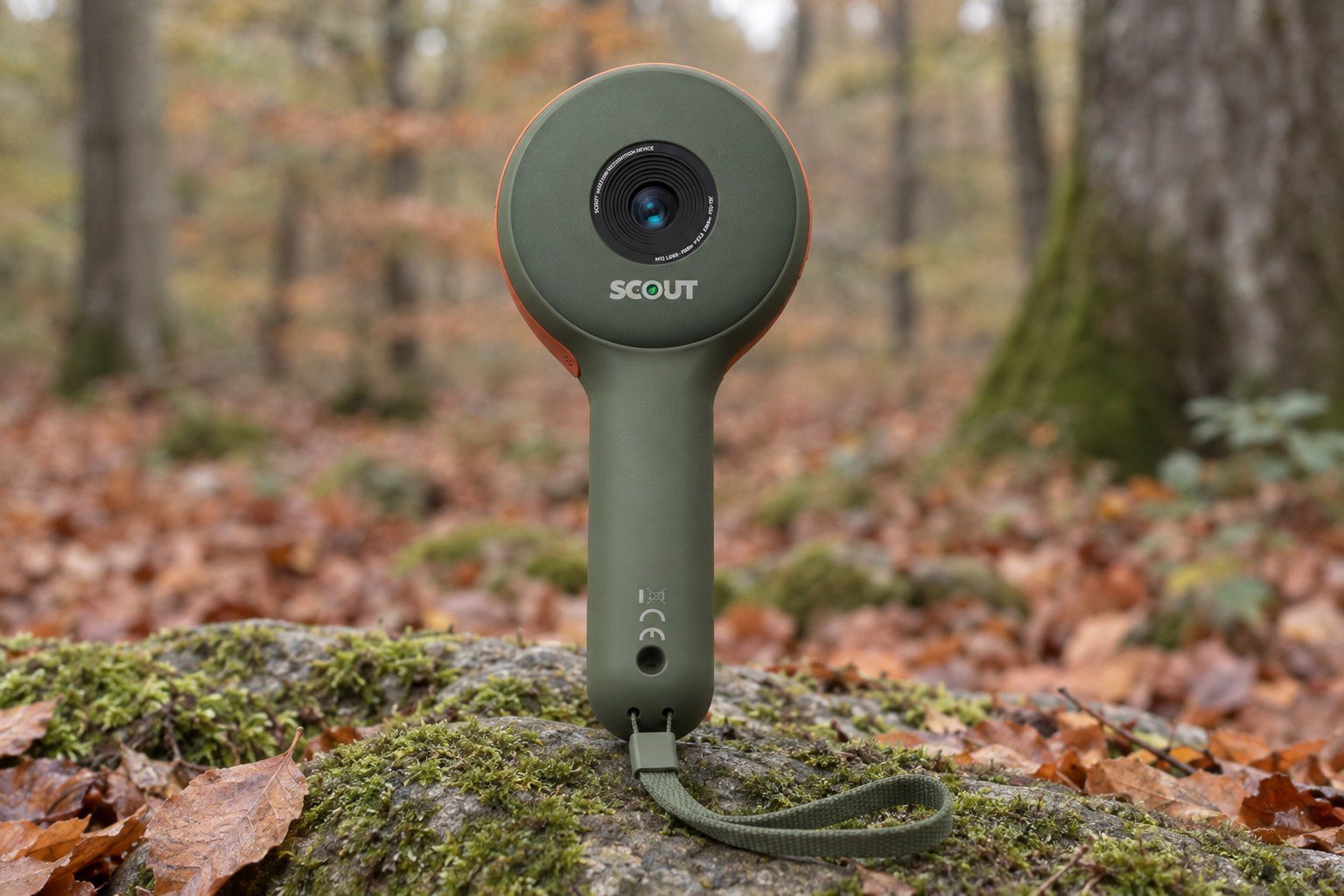
Your child points Scout at a spider on a web and presses the orange button. A moment later their guide names it, right there on the walk, and back home the find turns into a card with the spider's name, its facts and its picture.
It looks like magic. It's really two different kinds of thinking and one rule we care about more than any other: never tell a child something we're not sure of. Here's how it works.
Named on the walk, by Scout's own chip

Scout has its own AI chip, and a fast, nature-trained vision model built in, so it names what they've found right there on the walk, with no signal needed. It knows hundreds of groups of living things (robins, bumblebees, orb-weaver spiders, fly agarics and many more), and above those, their families and big categories like "bird" or "fungus".
Nature and nothing else. It's a nature-only model, trained by us to recognise wildlife. It doesn't chat, doesn't browse and doesn't know anything about your child.
It knows where and when you are, roughly. A group that has never been recorded in your part of the world gets a lower score, and so does one that's out of season, such as a butterfly in midwinter. We never rule anything out, because animals do turn up in surprising places. The "where" is a very rough area: a grid square hundreds of kilometres across. The check happens on the device itself, and nothing is sent anywhere.
Where we are today: while we finish the hardware, the same model runs in our testing app on a phone, standing in for the camera's own chip.
Why the guide sometimes says "I'm not sure"
Here's the part we're proudest of. For each group, we worked out how sure the model has to be before its answer is right at least 85 times in 100 on photos it has never seen. The guide only says a name when the model clears that bar, and a few groups that never reach it are never named on the walk at all.
When it doesn't, the guide steps down a ladder instead of guessing:
- A toss-up: "a hoverfly, or maybe a bee".
- A family: "some kind of thrush".
- A category: "a bird".
- Quiet: it waits for a clearer look.
That's how real naturalists work too, and it's worth teaching. "I'm not sure yet, let's look closer" is a scientist's answer, not a failure.
Naming the exact species is the hardest step, even for experts, which is exactly why the guide only names things when it's sure. Dark or shaky shots are the hardest of all, so the guide stays quiet until it has a clear, steady view.
Double-checked back home

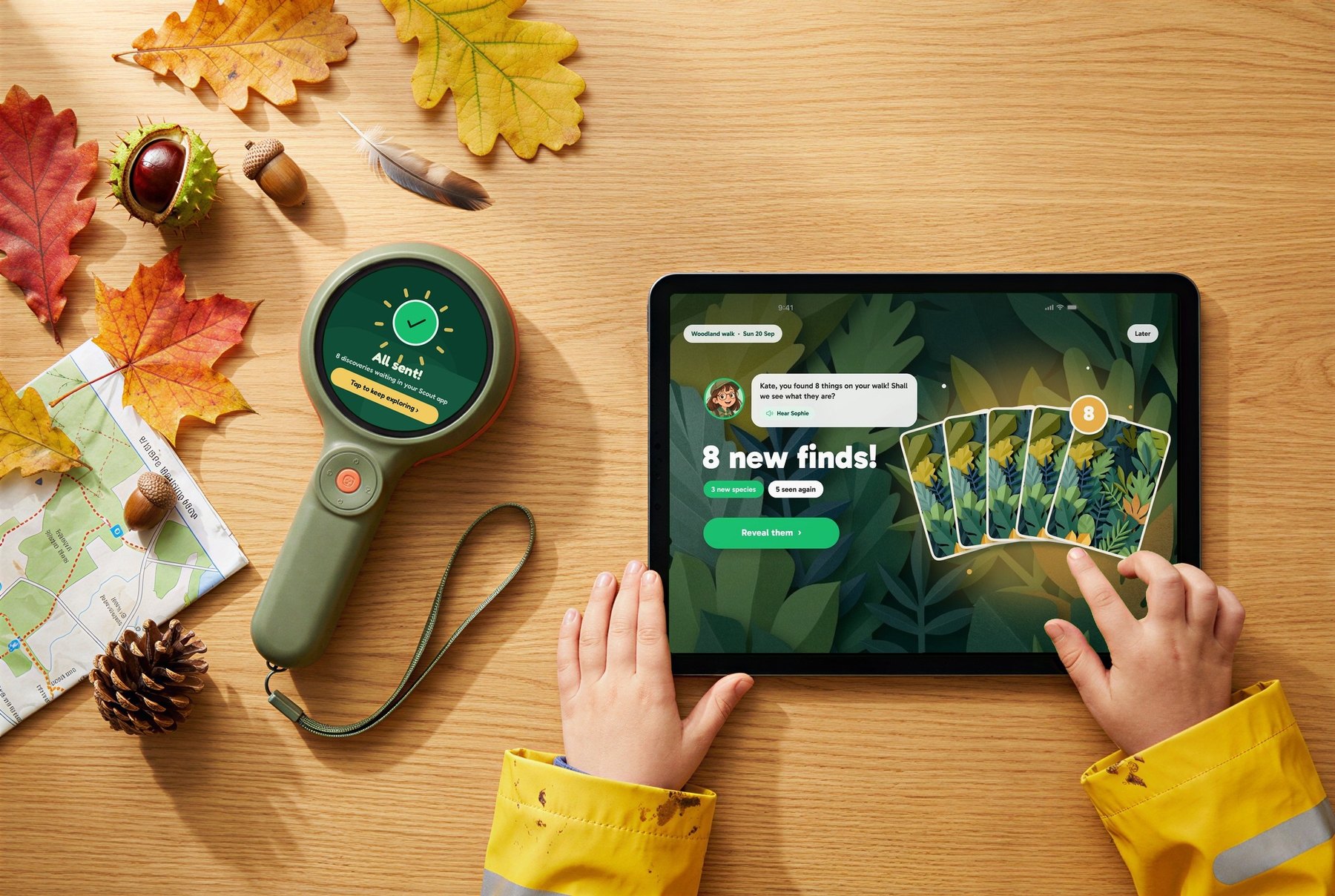
Back home, the day's photos move from the camera to the Scout app on your phone. Before anything else happens, the phone checks every photo for faces. When it finds one, that photo stays on your family's own devices as a memory and isn't sent to us. As a backstop, our server checks again and turns away any photo with a face that slipped past.
The nature photos go to our own secure servers, where a bigger nature-only model does the careful work. We host it ourselves, so your child's photos aren't sent to any big tech company's AI.
Its answer climbs the same kind of ladder: the exact species if it's confident, otherwise the genus, then the family, then a broad group. If none of those is safe, the find becomes a Mystery, a real one, waiting for a better photo.
What lives near you. The server also checks which species have actually been recorded within a hundred or two kilometres of the find. Something never recorded nearby counts for less, unless the model is already very sure. That keeps a blackbird in Surrey from being named as its look-alike cousin from another continent. The server uses your location only for that lookup and doesn't keep the exact spot.
The cards, the facts and the voices

Once a find has a name, it becomes a Discovery Card. We'd rather be open about which parts use AI:
- The facts are written by an AI model (Anthropic's Claude). It's told to use only true, well-established facts, and it works from the species' scientific name and family tree. If you ever spot one that's wrong, reply to any of our emails and we'll fix it for every family.
- The pictures on the cards are illustrations an AI draws from a real, licensed photo of the species. We then check each one with the naming model, to make sure it still looks like the right family.
- The guides' voices are made with ElevenLabs, one voice per guide.
Each card, fact and voice line is made once and then shared by every family who finds that species. That's what keeps Scout affordable to run: the second child to find a robin costs us almost nothing.
What we're still working on
- The camera's own chip. In testing, the model runs on a phone standing in for the camera. In the finished Scout, it runs on Scout's own AI chip.
- Low light. Dim, shaky photos are the hardest. We're making the guide better at waiting for a good look.
- More to name. Some look-alikes are genuinely hard, even for experts. We keep testing on real walks and keep improving it.
If you'd like to go deeper, or you spot something we haven't explained well, just reply to any of our emails. We read every one.