Kids camera privacy: what really happens to your child's Scout photos
For parents who want to know exactly where their child's photos go before they say yes. The short version: faces stay home, nature photos are named on our own servers, and we keep as little as we can.
When you hand a child a camera, you're handing them a way to collect pictures of their world. Sooner or later that world includes a brother pulling a face, a friend on a log, or you. So kids camera privacy isn't a small print question. It's the first one a parent should ask.
This post answers it plainly. Here is every step a Scout photo takes, what we do at each one, and why.
What happens to a photo, step by step
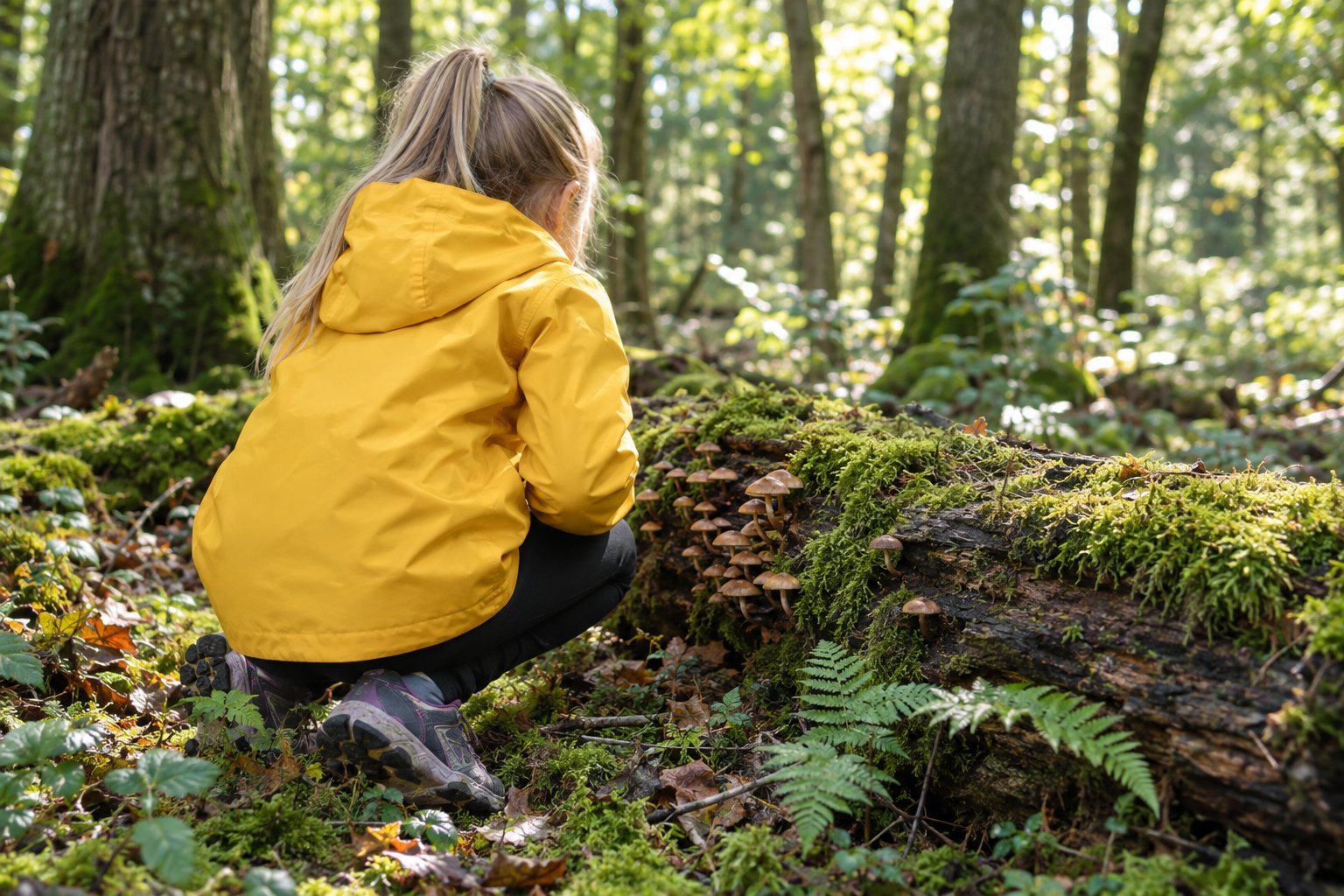
1. Your child takes a picture. A spider on a web, a mushroom on a log, a robin on the fence. Out on the walk, that's all there is to it.
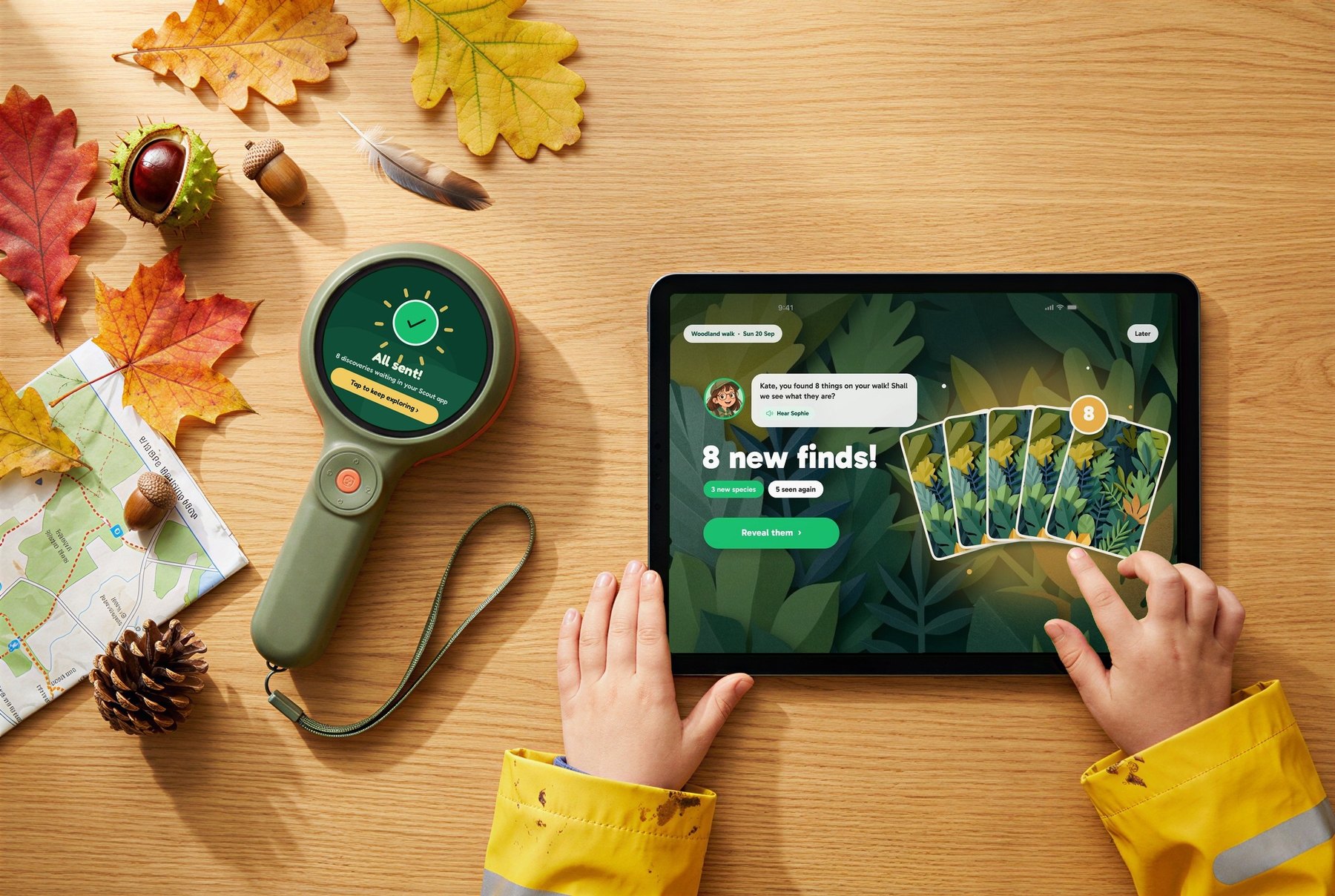
2. The photos come home to your phone or tablet. Back home, the day's photos move from Scout to the free Scout app on your family's phone or tablet.
3. Your phone looks for faces first. Before anything leaves your home, your phone checks every single photo for faces. This happens on the phone itself.
4. A photo with a face stays home. If the phone finds a face, that photo stays on your family's own devices as a memory. It is never sent to us. Your child still has it, and it's still theirs.
5. Nature photos go to Scout's own servers. Photos without faces are sent to our own secure servers to be named, by a nature-only model we host ourselves. Your child's photos aren't sent to any big tech company's AI.
6. A second check, just in case. No face detector is perfect, so we built a backstop. Our server checks each photo again and turns away any photo with a face that slipped past the phone.
7. Location is used once, then let go. To name a find well, it helps to know what actually lives nearby. The server uses the photo's location only to look up which species live in that area, and it doesn't keep the exact spot.
8. The answer comes back as a Discovery Card. Your child sees the name, a painted picture and facts their guide reads aloud.
Why don't we just blur the faces?
We thought about it. A blurred photo is still a photo of your child, and a blur can miss. Either way, a child's face would be on its way to us.
Keeping face photos at home is simpler, and simple promises are easier to keep. Scout is a nature camera. It has no reason to see your family, so it doesn't.
What we choose not to collect
Privacy isn't only about photos. It's also about everything a company could quietly ask for and never needs. Here's what we've left out on purpose:
- Only a first name and an age band. Setting up a child asks for a first name (a nickname is fine) and an age band. Nothing else.
- No surnames. We don't store a child's surname.
- No birthdays. A child's age is stored as an age band, never a date of birth.
- No ads. Nobody pays us to put things in front of your child.
- No leaderboards. No child is ranked against other children.
- No money for coins. Coins in the app are earned by exploring, never bought.
The rules behind it: COPPA and the Children's Code
Two sets of rules shaped how we think about this. We're describing them here, not claiming a badge or certificate for either.
The Children's Code (United Kingdom). The Information Commissioner's Office (ICO) publishes the Age Appropriate Design Code, often called the Children's Code. It's a statutory code of practice with 15 standards for online services likely to be used by children under 18 in the UK. It came into force in September 2020, and services have had to conform to it since September 2021.
COPPA (United States). In the US, the Children's Online Privacy Protection Act is a federal law, enforced by the Federal Trade Commission through its COPPA Rule. It covers online services aimed at children under 13, and those that know they're collecting information from a child under 13. They must tell parents what they collect and get verifiable parental consent before collecting a child's personal information. That includes a photo containing a child's image, and location precise enough to identify a street and a town. The rule was updated in 2025 to add biometric identifiers, such as facial templates.
Among the Children's Code's standards are a few that read almost like a design brief for Scout:
- Data minimisation: collect and keep only the personal data you actually need.
- High privacy by default: settings start at the most private option.
- Geolocation: location services should be off by default, unless there's a compelling reason, and it should be obvious when location is in use.
- Nudge techniques: don't nudge children into giving away more than they need to.
Both sets of rules come back to the same idea: collect less, explain more, and put the child's interests first. Leaving faces at home, dropping surnames, and keeping an age band instead of a birthday all come from that idea.
Questions parents ask us
Can my child still see photos of people they took? Yes. Those photos stay on your family's own devices as memories. They just never come to us.
Does Scout know where we live? The server uses a photo's location only to look up what lives nearby, and it doesn't keep the exact spot.
Is a big tech company's AI looking at my child's photos? No. Nature photos are named by a nature-only model we host on our own secure servers.
What if the phone misses a face? That's why the server checks again. Any photo with a face that reaches it is turned away rather than named.
The short version
Faces stay home. Nature photos go to our own servers, get a name, and come back as cards. We don't ask for what we don't need.
If anything here isn't clear, or you'd like to know more about a step, reply to any of our emails. We read every one, and we'd rather answer a hard question now than after your child starts exploring.